Korea eSIM Guide for Tourists: Costs & Setup
Key takeaways
This Korea eSIM guide for tourists details how to select, install, and activate digital mobile plans for travel in South Korea. As of October 2026, official Korean carrier unlimited eSIMs start at ₩6,500 (~$4.80 USD) per day, while global data eSIMs cost $1.75–$24.00. Learn pre-departure setup, dual-SIM 2FA configuration, and Incheon Airport counter locations.
Getting your mobile connection sorted before landing in Seoul saves significant travel stress and avoids unexpected roaming charges. A digital Korea eSIM lets international travelers jump directly onto high-speed South Korean networks right when touching down at Incheon International Airport (ICN), skipping long rental desk queues while keeping primary home phone numbers live for bank two-factor authentication (2FA) codes.
This guide breaks down practical setup steps, October 2026 plan pricing, network options, dual-SIM settings for incoming texts, and app requirements for traveling across South Korea.
Quick Decision Framework: eSIM vs. Physical SIM vs. Pocket Wi-Fi
Choosing between an eSIM, a standard physical USIM, or a portable Pocket Wi-Fi egg depends on whether your phone is carrier-unlocked and if you are traveling alone or with a group.
An eSIM (embedded Subscriber Identity Module) is a digital chip built directly into smartphone hardware, removing any need to swap small plastic cards. A physical SIM (USIM) requires opening your phone's SIM tray to swap cards, while a Pocket Wi-Fi router (known locally as a "Wi-Fi Egg") is a small battery-powered modem broadcasting a local Wi-Fi connection to multiple devices nearby.
Here is how these options compare as of October 2026:
| Feature | eSIM (Digital Profile) | Physical SIM (USIM) | Pocket Wi-Fi (Wi-Fi Egg) |
|---|---|---|---|
| Physical Swap Needed? | No | Yes | No |
| Pickup Required? | Digital download | Airport desk or delivery | Airport desk pick-up & return |
| Primary Home Number Active? | Yes (via Dual-SIM) | No (Home SIM removed) | Yes (Connected via Wi-Fi) |
| Device Charging | Normal phone battery | Normal phone battery | Requires daily router charging |
| Tethering / Hotspot | Supported on most plans | Supported | Native (5–10 devices) |
| Best Suited For | Solo travelers & couples | Older unlocked phones | Large families & multi-device users |
Korean Telco Network Comparison & Pricing
South Korea has three major mobile network operators: SK Telecom (SKT), KT (Korea Telecom), and LG U+. All three run fast 5G and LTE coverage across major cities like Seoul, Busan, and Jeju Island, as well as along high-speed KTX rail lines.
According to official carrier rate sheets published in October 2026, unlimited tourist data plans offered directly by SKT, KT, and LG U+ use tiered pricing based on travel duration:
| Plan Duration | Major Carrier Unlimited eSIM Rate (KRW) | Estimated USD Equivalent | Daily High-Speed Allowance |
|---|---|---|---|
| 1 Day (24 Hours) | ₩6,500 | ~$4.80 USD | Varies (KT: 11GB/day; LG U+: unlimited; SKT: 100Mbps) |
| 3 Days (72 Hours) | ₩18,000 | ~$13.30 USD | Varies (KT: 11GB/day; LG U+: unlimited; SKT: 100Mbps) |
| 5 Days (120 Hours) | ₩27,500 | ~$20.30 USD | Varies (KT: 11GB/day; LG U+: unlimited; SKT: 100Mbps) |
| 10 Days (240 Hours) | ₩38,500 | ~$28.40 USD | Varies (KT: 11GB/day; LG U+: unlimited; SKT: 100Mbps) |
| 20 Days (480 Hours) | ₩60,500 | ~$44.70 USD | Varies (KT: 11GB/day; LG U+: unlimited; SKT: 100Mbps) |
| 30 Days (720 Hours) | ₩71,500 | ~$52.80 USD | Varies (KT: 11GB/day; LG U+: unlimited; SKT: 100Mbps) |
If you prefer fixed-data packages, global travel eSIM platforms (such as Airalo, Maya Mobile, or Nomad) present budget options. As of October 2026, prices for these travel eSIMs start from $1.75 to $2.99 USD for lighter data packages (1 GB valid for 7 days) up to $11.75 to $24.00 USD for larger allocations (10 GB to 20 GB valid for 30 days).
Under South Korean telecommunications regulations, mobile services containing voice calls, outgoing SMS, or a local 010 mobile phone number require real-name passport verification. Data-only eSIM profiles from global resellers skip passport identity checks, but official carrier plans with voice support require them.
Step-by-Step eSIM Setup Guide: Pre-Departure Installation
Before buying an eSIM, verify two hardware details: confirm your phone is fully unlocked by your home provider and check that your phone model supports eSIM profiles.
Step 1: Carrier Unlock & EID Verification
- Check Carrier Lock Status: On iOS, go to Settings > General > About and confirm No SIM restrictions appears next to Carrier Lock. On Android (Samsung Galaxy), head to Settings > Connections > Mobile Networks to confirm the device is unlocked.
- Check EID Hardware Support: Open the phone keypad and enter
*#06#. If an EID (Embedded Identity Document) 32-digit string displays on screen alongside the IMEI, your device supports eSIM profiles.
Step 2: Pre-Departure Profile Installation
Install your eSIM profile 1–2 days before flying while connected to a stable home or hotel Wi-Fi network. Downloading profiles over airport Wi-Fi after landing often leads to connection timeouts.
Fixing the "Failed to Activate" Pre-Departure Error
Scanning a Korean eSIM QR code at home frequently triggers alerts like "Failed to Activate", "Activating...", or "Unable to Complete Cellular Plan Setup".
Do not worry. This happens because the profile is trying to contact local South Korean cellular towers (SKT, KT, or LG U+) to register. The profile cannot finish network handshake procedures while your phone remains outside South Korea.
Once your flight lands at Incheon Airport, turn off Airplane Mode and switch the Korea eSIM profile ON. The line usually attaches to local network towers within 1 to 3 minutes.
Dual-SIM Strategy: Receiving Bank 2FA Texts Without Roaming Fees
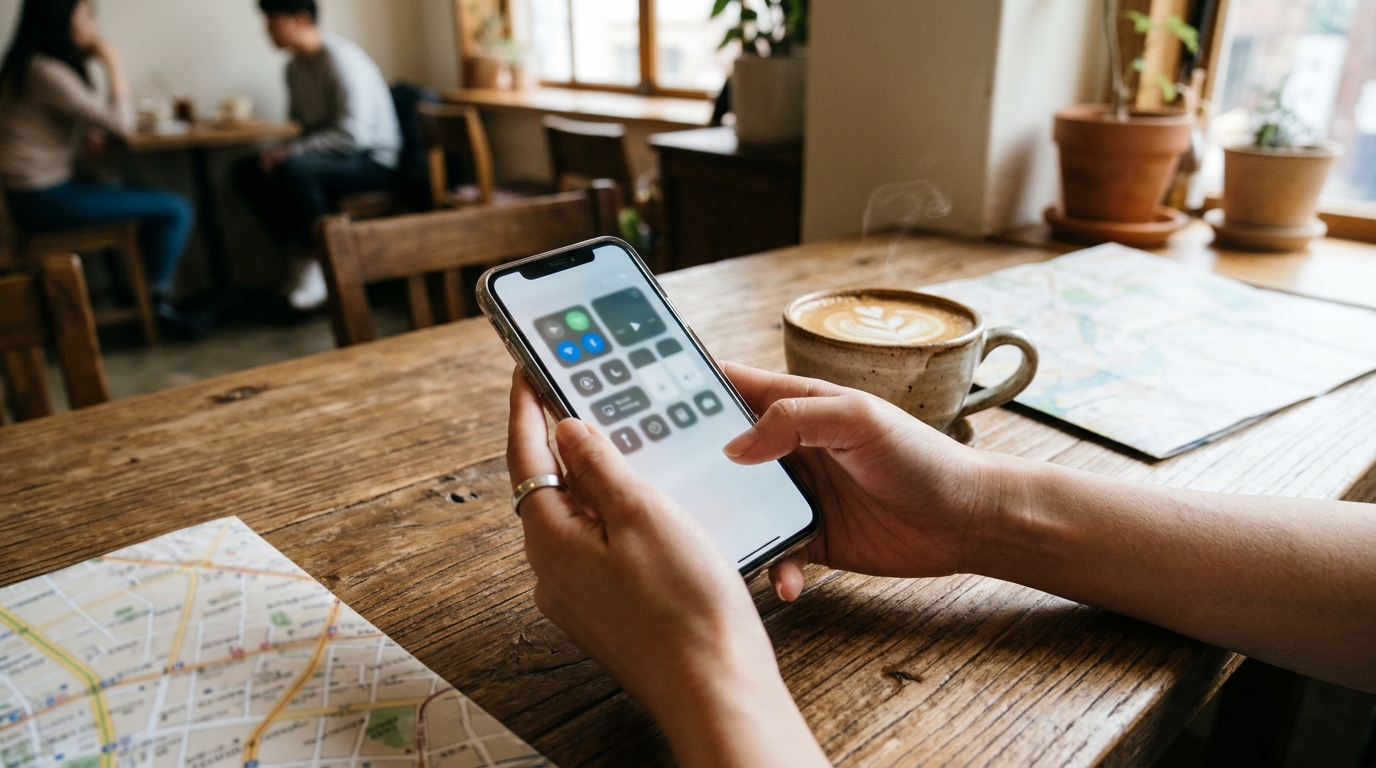
Travelers often need incoming SMS security codes from banks or card issuers while in South Korea. You can keep your primary home number active for incoming text messages while routing all internet usage through the Korean eSIM, avoiding accidental data roaming bills.
Turning Allow Cellular Data Switching to OFF prevents your phone from switching back to your home SIM when the local data signal dips, keeping home roaming charges off your bill.
Standard mobile network protocols make incoming text messages free to receive while roaming on most global mobile plans. Fees only accumulate if you make outgoing calls, send outgoing text messages, or draw cellular data on your home line.
Incheon Airport (ICN) Counter Guide: 24/7 Operations
If your plan requires passport verification or you prefer on-site technical support from staff, major carrier service counters operate around the clock at Incheon International Airport.
According to terminal guides published by Incheon International Airport Corporation, official telecom counters are situated across both arrival halls:
Incheon Airport Terminal 1 (T1)
- 1st Floor Arrivals Hall (Gate F / Exit 13): SKT, KT, and LG U+ desks operate 24 hours daily.
- 1st Floor Arrivals Hall (Gates A–E): Additional carrier desks run from 06:00 to 22:00.
Incheon Airport Terminal 2 (T2)
- 1st Floor Arrivals Hall (Exit 7 / Gate 7): SKT roaming counter operates 24 hours daily.
- 1st Floor Arrivals Hall (Exit 4): KT roaming counter operates 24 hours daily.
- 1st Floor Arrivals Hall (Exit 4 / Gate 3): LG U+ main counter operates 24 hours daily.
Have your physical passport ready when visiting counters for identity verification or setup help. For online pre-purchases, present your booking confirmation email or barcode to the service desk agent.
Phone Number Requirements for Korean Travel Apps
Many foreign visitors ask whether a local 010 phone number is mandatory for getting around South Korea.
In the past, dining queue apps required a local 010 phone number to handle SMS waiting alerts. Platform updates have made navigation simpler for foreign travelers using data-only eSIM connections.
CatchTable Global (캐치테이블)
As of late 2026, foreign visitors can use CatchTable Global, designed specifically for international travelers. It enables table reservations and queue registration using email addresses or social accounts alongside international credit cards. A local 010 phone number is no longer needed for most popular restaurants in tourist areas like Myeongdong, Seongsu, or Hongdae.
Kakao T (카카오 T) & Uber / UT
For taxi hailing, foreign cards register directly inside the global edition of Kakao T or within Uber (which routes requests through the local UT taxi fleet in Korea). Both apps work normally over data-only eSIM connections without an assigned voice line.
For more detailed transport planning, read our guide on using transit cards and foreign payment options across Seoul.
Summary Checklist for Korea Travelers
Before heading to the airport, complete this quick final checklist to ensure seamless connectivity throughout your trip to South Korea:
- Confirm your smartphone is carrier-unlocked and supports eSIM hardware (dial
*#06#to check EID). - Purchase your Korea eSIM plan online prior to departure.
- Install the eSIM profile at home over Wi-Fi 1–2 days before flying; disregard "Failed to Activate" status warnings while outside Korea.
- Do not delete your eSIM profile if an installation error appears.
- Upon landing at Incheon or Gimpo Airport, switch your Cellular Data line to your Korea eSIM, turn Data Roaming ON for the eSIM line, and disable "Allow Cellular Data Switching".
- Keep your home SIM active for incoming bank 2FA texts with its individual Data Roaming setting toggled OFF.
Frequently asked questions
Q. Can I install my Korea eSIM before I board my flight?
Yes, travelers should scan the QR code and install the eSIM profile 1–2 days before departure while connected to home Wi-Fi. The line will remain in an 'Activating' state until the phone physically connects to Korean mobile networks upon landing at the destination airport.
Q. Do I need a 010 Korean phone number as a foreign tourist?
Most foreign tourists do not strictly need a local 010 phone number. As of late 2026, travel apps like CatchTable Global allow foreign tourists to join dining waitlists using email, social logins, and foreign credit cards, while Kakao T and Uber handle taxi hail services entirely via mobile data.
Q. How do I receive bank 2FA SMS texts without paying roaming data fees?
Keep the home SIM turned ON with its specific Data Roaming toggle turned OFF. Set the Korea eSIM as the primary line for Cellular Data, and disable 'Allow Cellular Data Switching' in the phone settings to prevent accidental home data roaming charges.
Q. What should I do if my eSIM says 'Failed to Activate' at home?
Do not delete the profile. This message appears because the phone cannot complete network handshakes with South Korean cell towers while abroad. Leave the installed profile saved on the phone and switch the line ON after landing in South Korea.
Q. Where can I get help with my eSIM late at night at Incheon Airport?
Major Korean telecom operators (SKT, KT, and LG U+) operate 24-hour roaming counters at Incheon Airport. In Terminal 1, 24/7 desks are located at Gate F (Exit 13); in Terminal 2, 24/7 desks are located near Exit 7 / Gate 7 (SKT), Exit 4 (KT), and Exit 4 / Gate 3 (LG U+) on the 1st Floor Arrivals Hall.