NAMANE Card Korea Guide: Custom Photo Travel Card Setup
Key takeaways
The NAMANE Card is a customizable photo prepaid travel card designed for tourists in South Korea, combining a retail IC payment chip with a Rail+ public transit pass. It operates on a dual-balance system (Pay Balance and Transit Balance) that users can top up using cash or foreign credit cards and instantly convert via NFC in the mobile app.
The NAMANE Card is a prepaid card that functions as both a retail shopping card and a public transportation pass in South Korea. Official system guidelines state that travelers can buy, design, and load this card without showing a passport, holding a local residency number, or opening a Korean bank account.
This guide breaks down how the dual-balance setup operates, how to print a custom card at automated kiosks, how to transfer funds using NFC, and how to cash out leftover balances before heading home.
What is the NAMANE Card and How Does Its Dual Balance System Work?
The NAMANE Card (short for "My Own Card" or 나마네 in Korean) is an IC-chip prepaid debit and transit card built for visitors to South Korea. Unlike standard transit passes, it features two distinct balances stored on a single plastic card: a Pay Balance for retail shopping and a Transit Balance for public transportation.
This split design separates everyday store purchases from subway and bus funds. That separation helps the card meet official Korean transit chip requirements (Rail+) while remaining compatible with card readers in shops nationwide.
Because the two balances operate independently, you need to understand how money moves across the card:
- Pay Balance (IC Chip): Acts like a standard local Visa or Mastercard debit card. Insert it into chip terminals at restaurants, cafes, convenience stores, department stores, and retail shops.
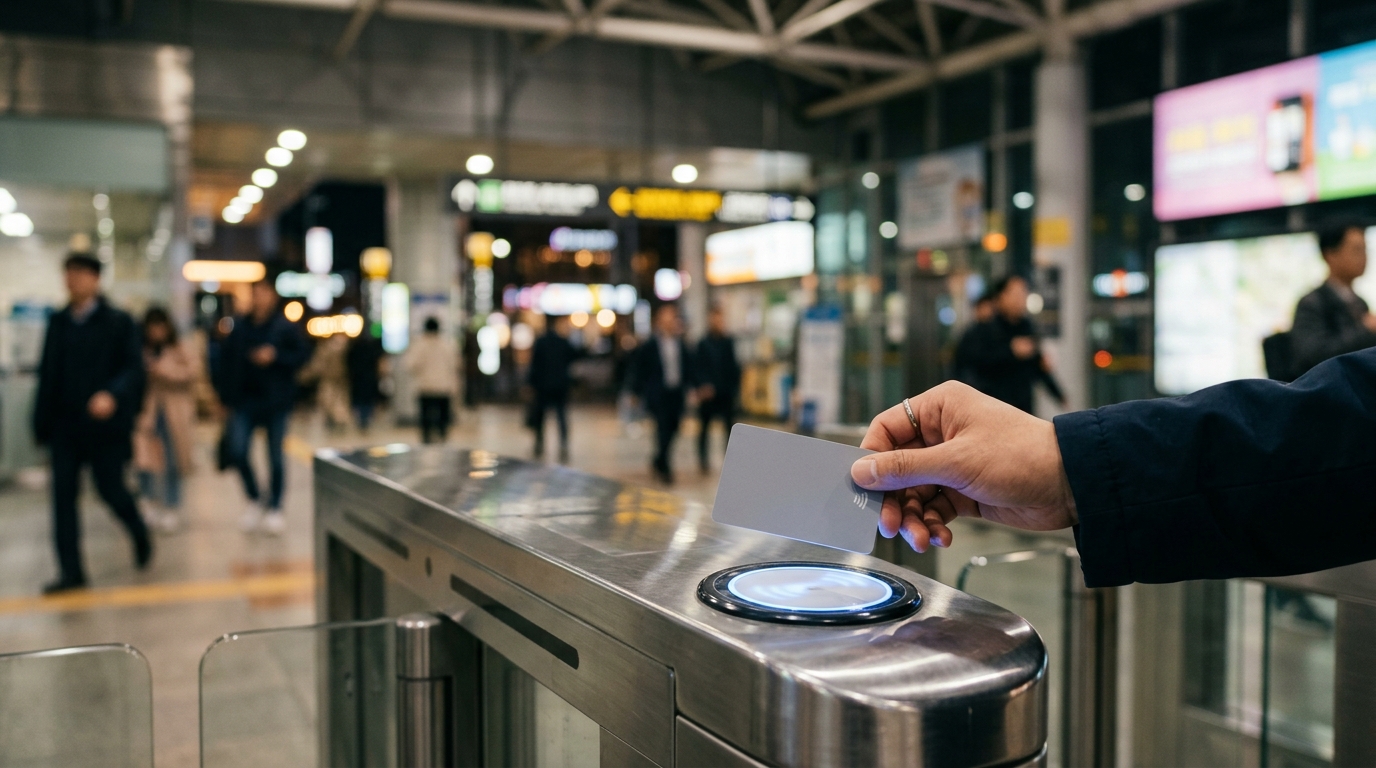
- Transit Balance (Rail+ NFC Chip): Acts as a tap-and-go transit pass. Tap it against contactless sensors at subway gates, bus readers, and taxi meters.
| Feature | Pay Balance | Transit Balance |
|---|---|---|
| Primary Tech | Physical IC Contact Chip | Contactless NFC (Rail+) |
| Maximum Limit | 500,000 KRW | 500,000 KRW |
| Where to Use | Shops, Restaurants, Cafes, KTX booking | Subways, City Buses, Taxis, KTX at counter |
| App Transfer | Can transfer to Transit Balance instantly | Can transfer to Pay Balance instantly |
| Loss Protection | Freezeable via NAMANE App | Non-refundable off-chip balance |
Loading funds onto the card puts money into the Pay Balance by default. It will not pay for bus or subway fare until you deliberately move funds into the Transit Balance.
NAMANE vs. WOWPASS vs. T-money: Which Card Belongs in Your Wallet?
Your choice comes down to what matters most on your trip: custom photo printing, easy currency exchange, or straightforward public transit access. Official specifications confirm that NAMANE is the only card option allowing full custom photo prints directly on the physical card face.
Standard T-money (티머니) cards stick to traditional public transit roles, and WOWPASS emphasizes on-site foreign currency exchange. NAMANE fills the gap by combining custom photo printing with flexible app-based balance management.
| Comparison Criteria | NAMANE Card | WOWPASS Card | T-money Card |
|---|---|---|---|
| Card Personalization | Full-color custom photo printing | Standard pre-designed templates | Standard or character designs |
| Issuance Fee | 7,000 KRW | 5,000 KRW | 3,000 – 5,000 KRW |
| Passport Required? | No passport required | Passport required for issuance | No passport required |
| Dual Balance System? | Yes (Pay + Transit) | Yes (Pay + T-Money) | No (Single transit balance) |
| App Top-Up (Foreign Card) | Supported (3.0% – 3.5% fee) | Not supported (Kiosk cash/FX only) | Not supported (Cash only) |
| Primary Ideal User | K-pop fans & photo customizers | Travelers carrying foreign currency cash | Budget travelers focusing on transit |
For visitors who want a practical travel pass that doubles as a memorable souvenir—like printing a concert photo, trip memory, or idol photocard—NAMANE covers both needs.
How to Design and Print Your Custom Photo Card at a Kiosk?
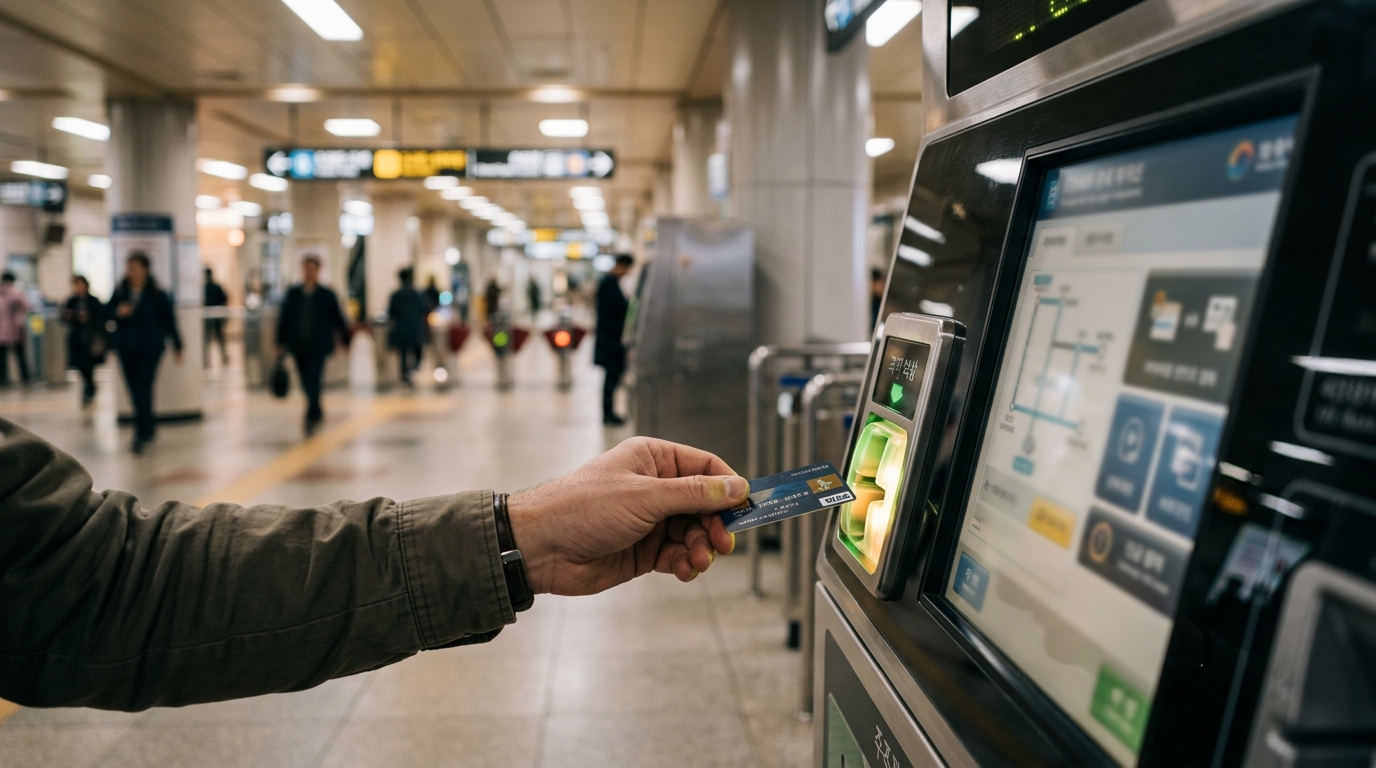
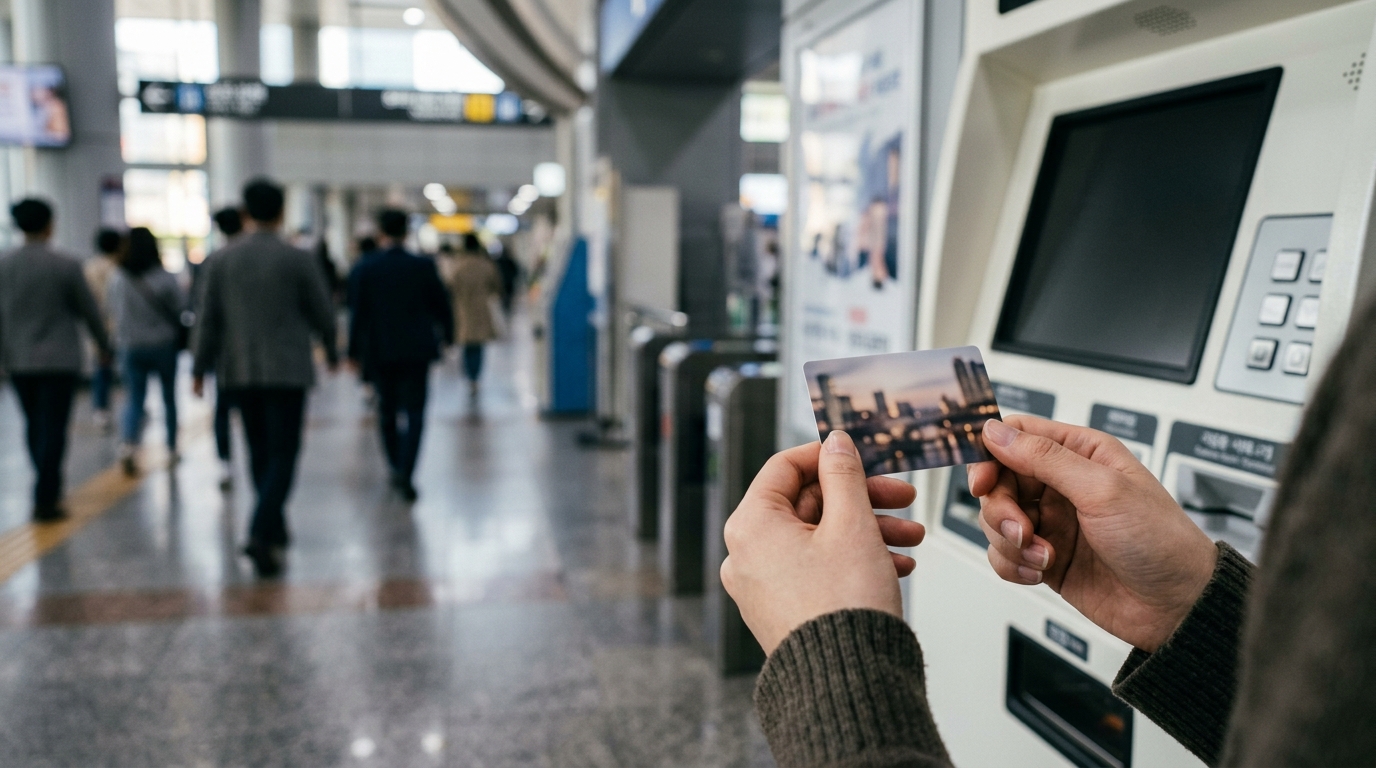
You can prepare your custom design ahead of time in the NAMANE mobile app. The app creates a QR code that the kiosk scans to print your card in under two minutes. Alternatively, you can upload and adjust your image directly on the kiosk touchscreen.
To get the cleanest print quality on the plastic surface, stick to these visual guidelines:
Kiosks take payment for the 7,000 KRW fee using international credit cards (Visa, Mastercard, JCB, UnionPay) or Korean Won cash bills.
How Do You Top Up and Convert Balances Between Pay and Transit via App NFC?
Top-ups work either with cash at physical kiosks or via international credit cards inside the NAMANE App. After adding funds, you move money between your Pay and Transit balances using your phone's NFC feature. Money loaded via foreign payment methods enters the Pay Balance first and must be manually transferred to the Transit Balance before hitting subway turnstiles.
Knowing this step prevents unexpected rejection messages at subway gates.
| Top-Up Method | Accepted Channels | Fee Rate | Destination Balance |
|---|---|---|---|
| Kiosk Cash Top-Up | KRW Cash (1,000 to 50,000 notes) | 0 KRW | Pay Balance |
| App Foreign Credit Card | Visa, Mastercard, JCB | ~3.0% – 3.5% | Pay Balance |
| App E-Wallet | Alipay, WeChat Pay | ~3.0% – 3.5% | Pay Balance |
| Subway Station Cash Charger | Cash chargers inside subway stations | 0 KRW | Transit Balance directly |
| Convenience Store Counter | CU, GS25, 7-Eleven cash top-up | 0 KRW | Transit Balance directly |
Transferring Pay Balance to Transit Balance via NFC
Because international digital recharges always drop into the Pay Balance, you need to use the app's NFC transfer to send money to the transit chip. Here is how that process works:
- Open the NAMANE App and ensure smartphone NFC is set to "Default Mode" or "Read/Write Mode" (iOS handles NFC automatically; Android users must toggle NFC on in settings).
- Select "Pay Balance -> Transit Balance Transfer" inside the main app menu.
- Enter the exact amount in KRW you wish to move into your transit purse.
- Hold your physical NAMANE Card firmly against the NFC sensor area on the back of your smartphone (near the top camera module on iPhones or center back on Android devices).
- Maintain contact until the app displays a confirmation checkmark. The funds move instantly, updated on both the physical chip and the app ledger.
Where Can You Use the NAMANE Card Across Korea's Transit and Retail Networks?
The NAMANE Card is accepted across major transportation networks and retail IC terminals throughout South Korea, including Seoul, Busan, Incheon, Daegu, Gyeongju, and Jeju Island.
Transit Usage (Transit Balance)
- Metropolitan Subways: Seoul Subway Lines 1–9, Shinbundang Line, Airport Railroad Express (AREX all-stop trains), Busan Metro, Daegu Metro, and Daejeon Metro.
- Public City Buses: All municipal city buses and regional intercity buses across South Korea.
- Taxis: Tap the card on the contactless payment reader located between the driver and passenger seats in yellow, silver, or black city taxis.
- Train Ticket Counters: Purchase Korail KTX and ITX-Cheongchun physical tickets at ticket counters inside railway stations.
Retail Usage (Pay Balance)
- Convenience Stores: CU, GS25, 7-Eleven, Emart24, and Ministop.
- Dining & Cafes: Local restaurants, K-BBQ spots, bakeries, Starbucks, A Twosome Place, Mega Coffee, and Compose Coffee.
- Shopping Outlets: Olive Young (cosmetics), Daiso, department stores (Hyundai, Lotte, Shinsegae), underground shopping malls, and K-pop merchandise shops.
- Attractions & Leisure: Cinema tickets, theme parks (Lotte World, Everland), museum admission desks, and coin laundromats.
How Can You Avoid Card Loss Traps, Kiosk Errors, and Top-Up Fee Pitfalls?
Avoid unexpected expenses by watching out for kiosk change policies, lost-card procedures, and phone NFC settings.
The No-Change Kiosk Rule
NAMANE kiosks do not give cash change. If you purchase a 7,000 KRW card and feed a 50,000 KRW bill into the machine, the kiosk subtracts the 7,000 KRW card fee and loads the remaining 43,000 KRW straight into your Pay Balance.
Lost Card Protection Mechanisms
If you lose your physical card, official rules state that your registered Pay Balance can be frozen via the app to protect your money, but the Transit Balance cannot be recovered.
- Pay Balance Security: Linking your card to the NAMANE App ties the chip's serial number to your user account. Tapping "Pause/Freeze Card" in the app locks the Pay Balance. If you buy a replacement card, you can move those locked funds onto the new card.
- Transit Balance Exposure: Transit funds sit directly on the card's offline Rail+ chip. If the card goes missing, those funds cannot be tracked, frozen, or recovered remotely.
How Do You Get Cash Refunds or Withdraw Remaining Balances Before Leaving South Korea?
Before flying out of Incheon or Gimpo, you can cash out unused funds at participating convenience stores or official refund partner locations. Refund limits and requirements depend on whether you cash out at a store counter or initiate the request through the app.
Pay Balance Cash Withdrawals
You can collect cash from your Pay Balance at CU convenience stores across Korea, provided the cash-out amount is 30,000 KRW or less per transaction.
If your Pay Balance exceeds 30,000 KRW, visit official currency exchange partners such as MoneyBox (located in Myeongdong, Hongdae, or Incheon Airport). These locations process larger cash refunds after verifying your identity, subject to local service fees.
Here is a simple routine to wind down your card balance during your final 24 hours in South Korea:
Frequently asked questions
Q. Can I top up my NAMANE Card with an international credit card?
Yes, you can top up your NAMANE Card using foreign credit cards (Visa, Mastercard, JCB) directly inside the NAMANE App. App top-ups carry a convenience fee of approximately 3% to 3.5% and load directly into your Pay Balance.
Q. Why does my card say 'insufficient balance' at subway gates when I loaded money?
Money loaded via the kiosk or app goes into your Pay Balance by default. Public subways and buses draw exclusively from the Transit Balance, so you must transfer funds from your Pay Balance to your Transit Balance using the app's NFC transfer feature.
Q. Is a passport required to buy and use a NAMANE Card?
No passport or identity verification is required to purchase, customize, or load a NAMANE Card at kiosks or inside the app, making it an accessible option for international tourists.
Q. What happens to my balance if I lose my physical card?
If your card is registered in the NAMANE App, you can freeze your Pay Balance remotely to prevent unauthorized spending and transfer it to a new card. However, funds in the offline Transit Balance cannot be locked or refunded if lost.
Q. How can I withdraw remaining cash before leaving South Korea?
You can withdraw up to 30,000 KRW in cash from your Pay Balance at any CU convenience store for a 1,000 KRW processing fee. Before withdrawing, transfer any remaining Transit Balance into your Pay Balance using the app.